Know what is due—and record it in seconds.
Scheduled and as-needed routines live in one calm list. Log taken, skipped, or note-only entries without digging through menus.
See the four-step flow →Private by design · Free at launch
A calm iPhone home for routines, reminders, vial inventory, personal history, wellbeing notes, and source-aware learning—without a forced account.
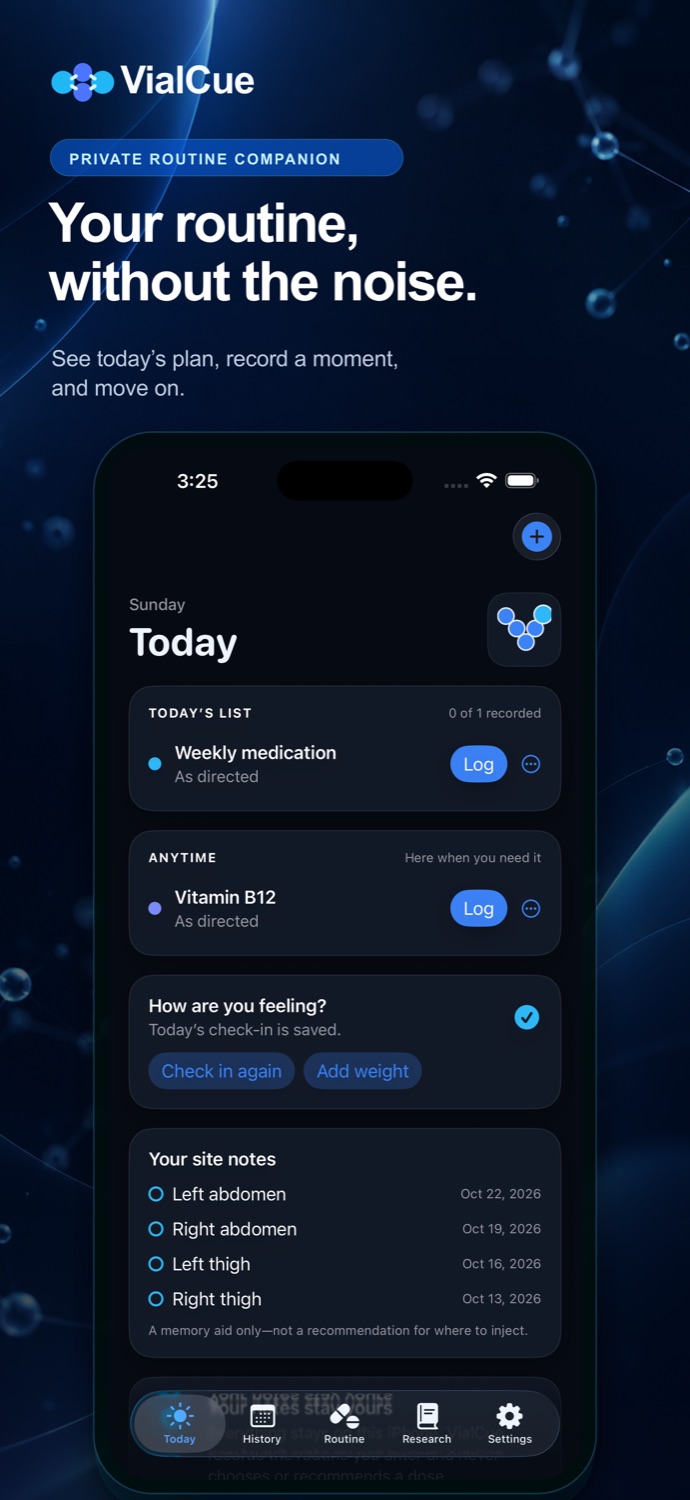
One useful home
VialCue replaces scattered notes, calendar alarms, and spreadsheets with a private record designed to stay understandable.
Scheduled and as-needed routines live in one calm list. Log taken, skipped, or note-only entries without digging through menus.
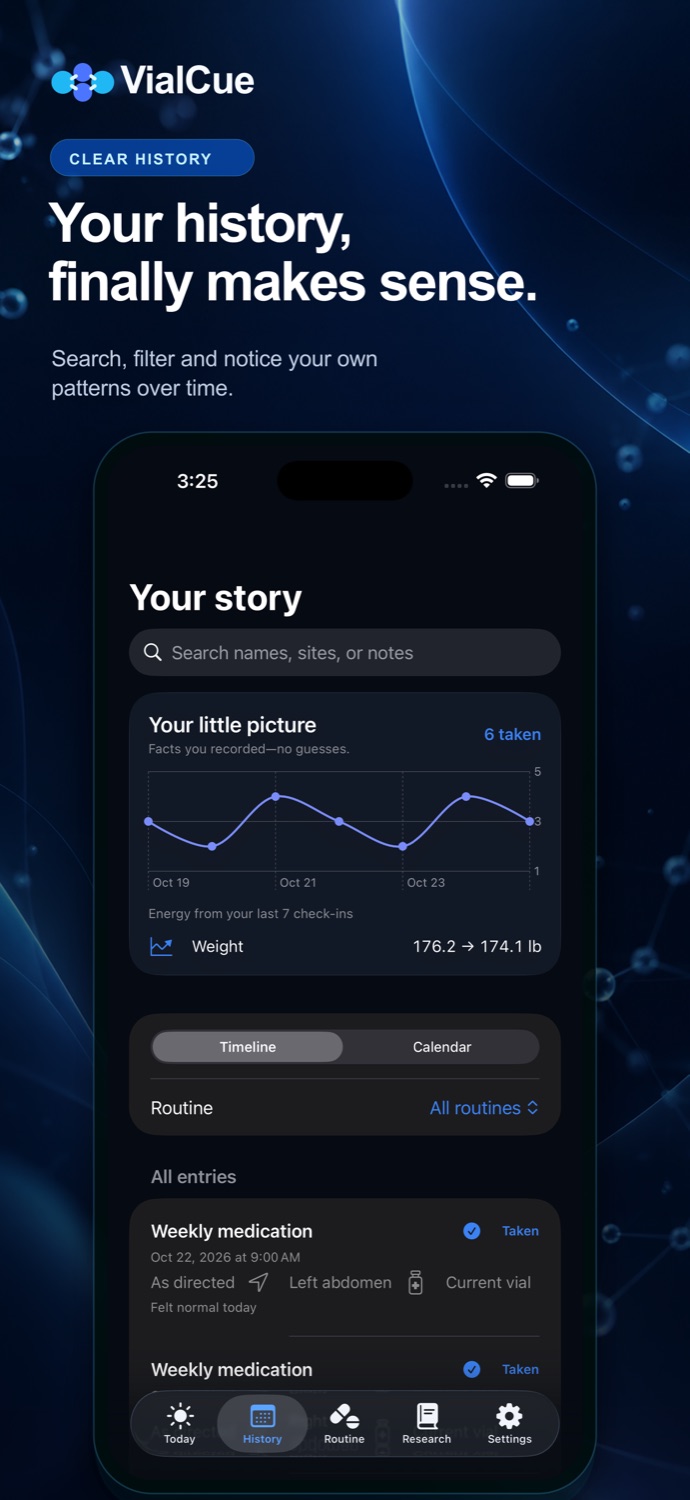
See the four-step flow →Search a readable timeline or calendar by routine, site, or note. VialCue reports only what you entered.
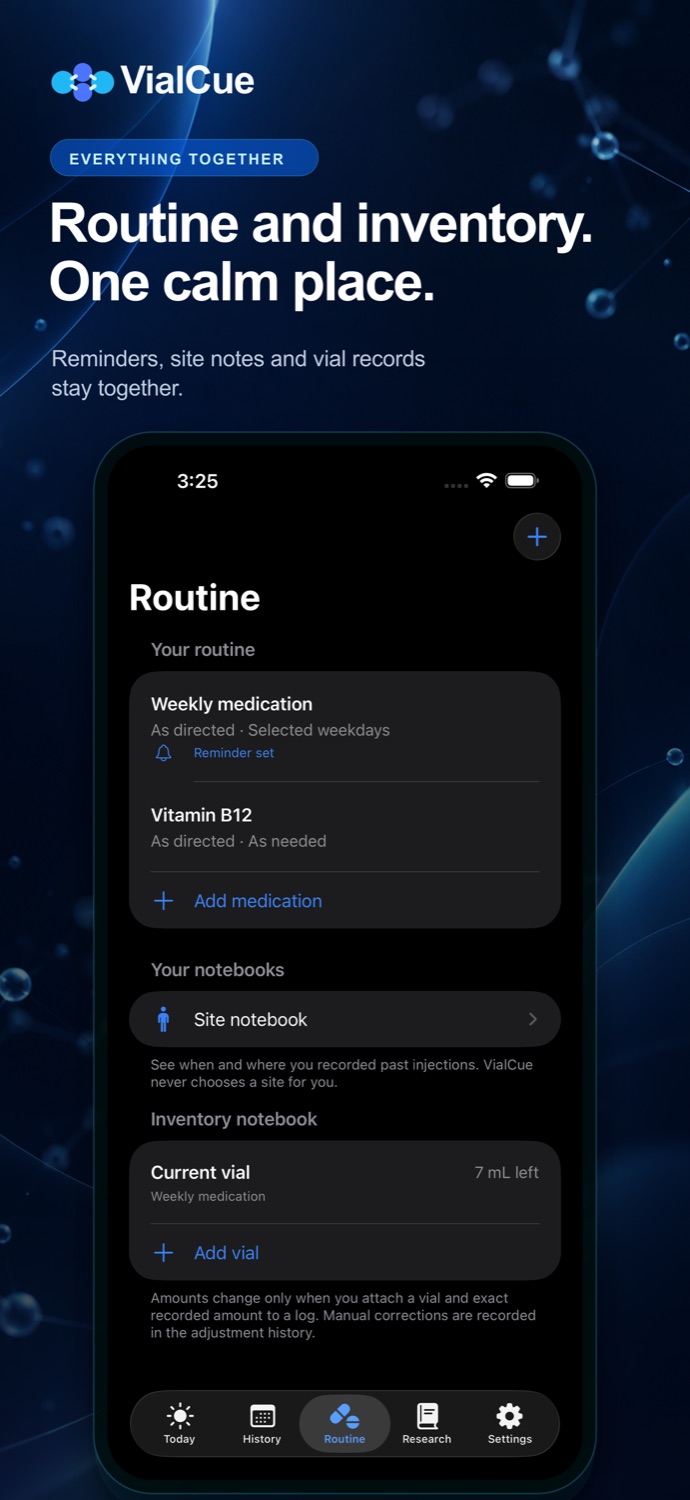
Track remaining amounts, opened dates, expiry notes, and every manual adjustment.
Optional mood, energy, sleep, symptom, and weight records create factual personal summaries—not medical conclusions.
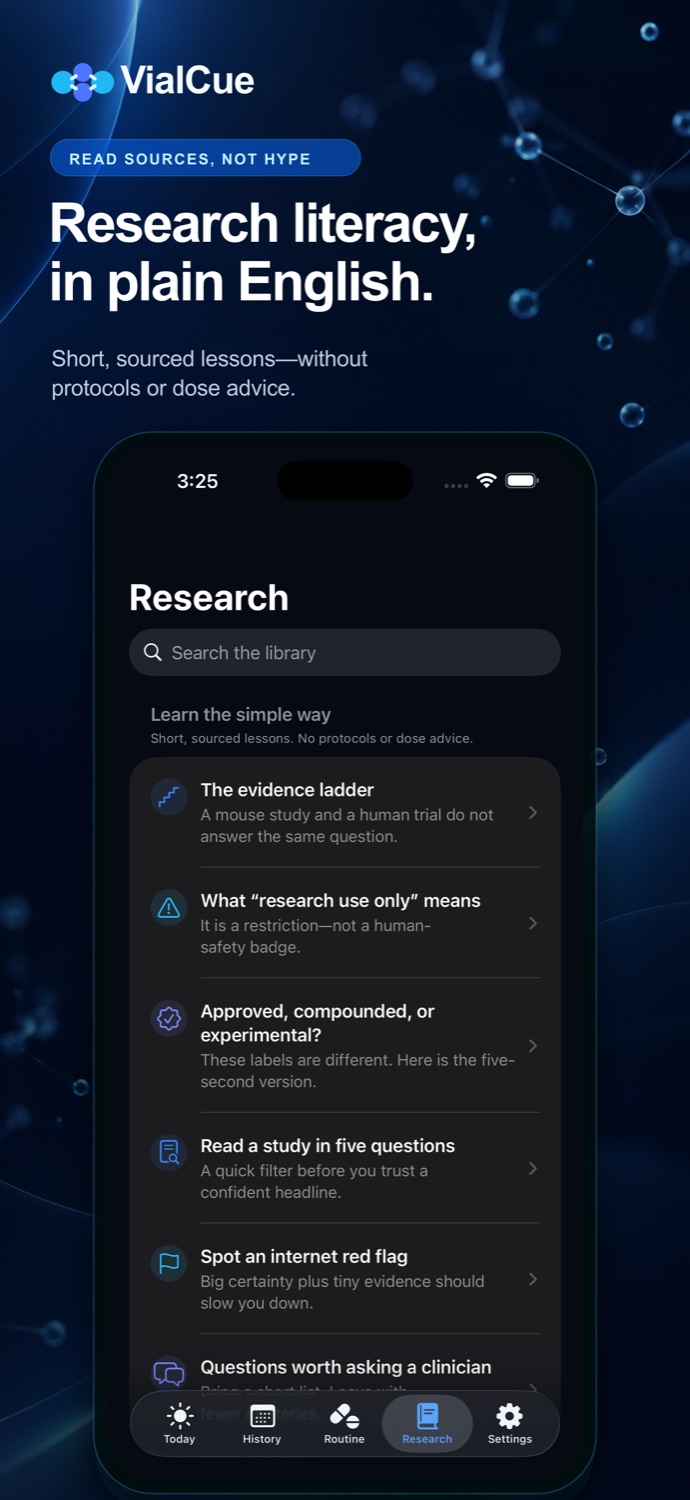
Plain-language lessons explain evidence levels, study limits, and why “research use only” does not mean approved or safe for human use.
Open the learning guide →No VialCue account, analytics, or advertising. Export JSON or CSV when you choose, add Privacy Lock, or erase all local records.
Read the privacy policy →The real app
These are current VialCue screens. Large controls, plain labels, and short paths keep everyday recordkeeping approachable.
A clear boundary
Made to feel obvious
The first useful screen appears immediately. Add only what helps you; optional fields stay optional.
Name it in your own words and copy an existing schedule exactly as provided.
Keep alerts generic so private details do not appear on your lock screen.
Use a few taps, then add a note, site, or vial only if it helps.
Search history, export a copy, or erase the local database from Settings.

Launching first on iPhone
Version 1.0 will be free, with no account, ads, analytics, or in-app purchases.