
Add what already exists
Give the routine a name you recognize. Copy its schedule and amount exactly from the instructions you already have. VialCue does not invent either.
Explain it like I am five
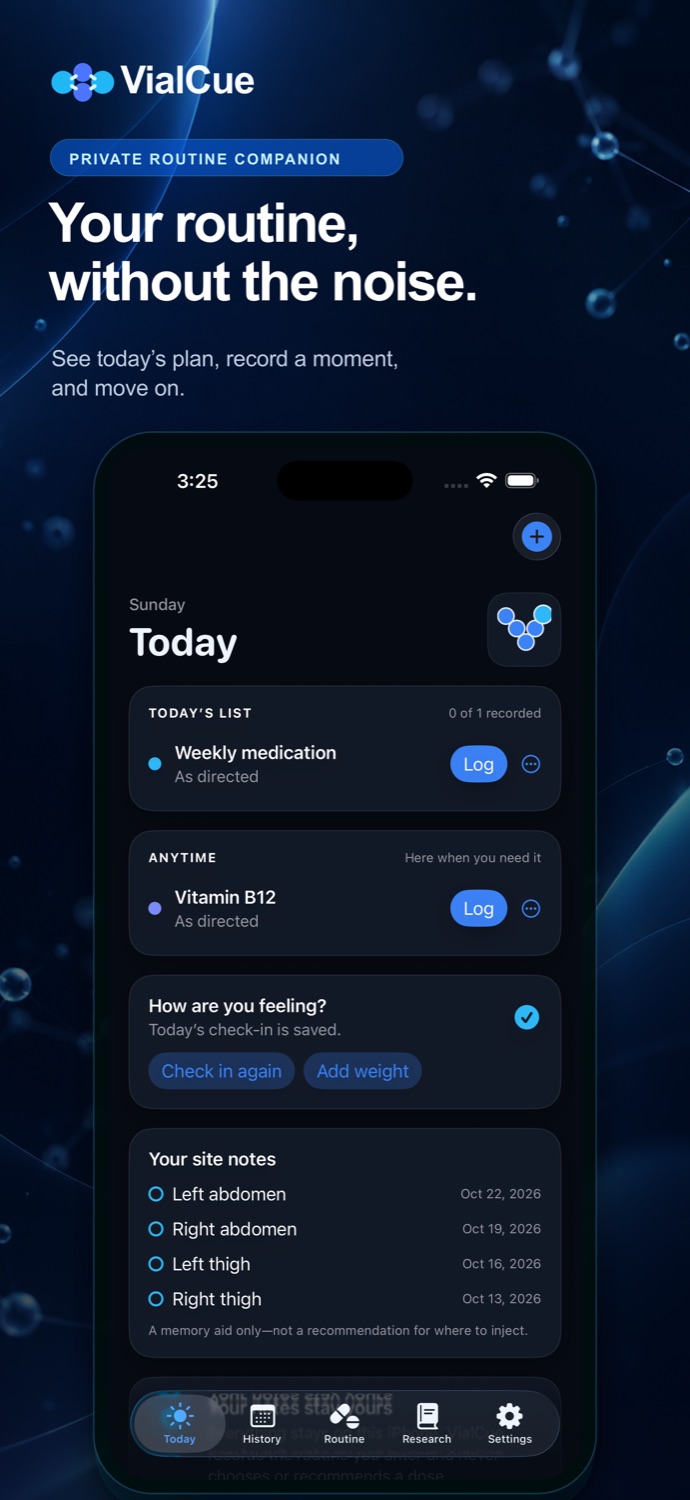
VialCue is built around four plain actions. You decide what to enter; the app keeps the record organized on your iPhone.
Give the routine a name you recognize. Copy its schedule and amount exactly from the instructions you already have. VialCue does not invent either.
Choose an optional local reminder. The lock-screen message stays generic, so it does not expose a medication, product, or amount.
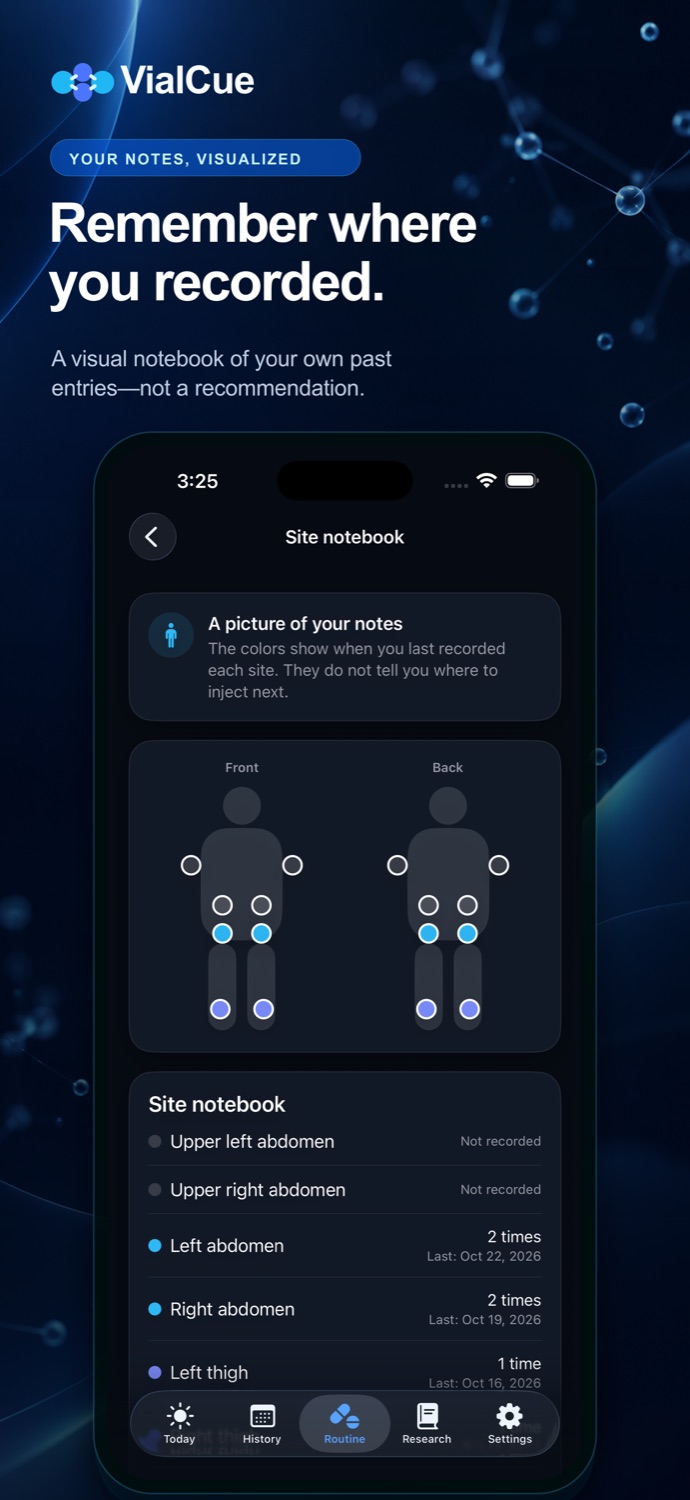
Record taken, skipped, or note only. Add a vial, site, or wellbeing note only when it helps your own record.
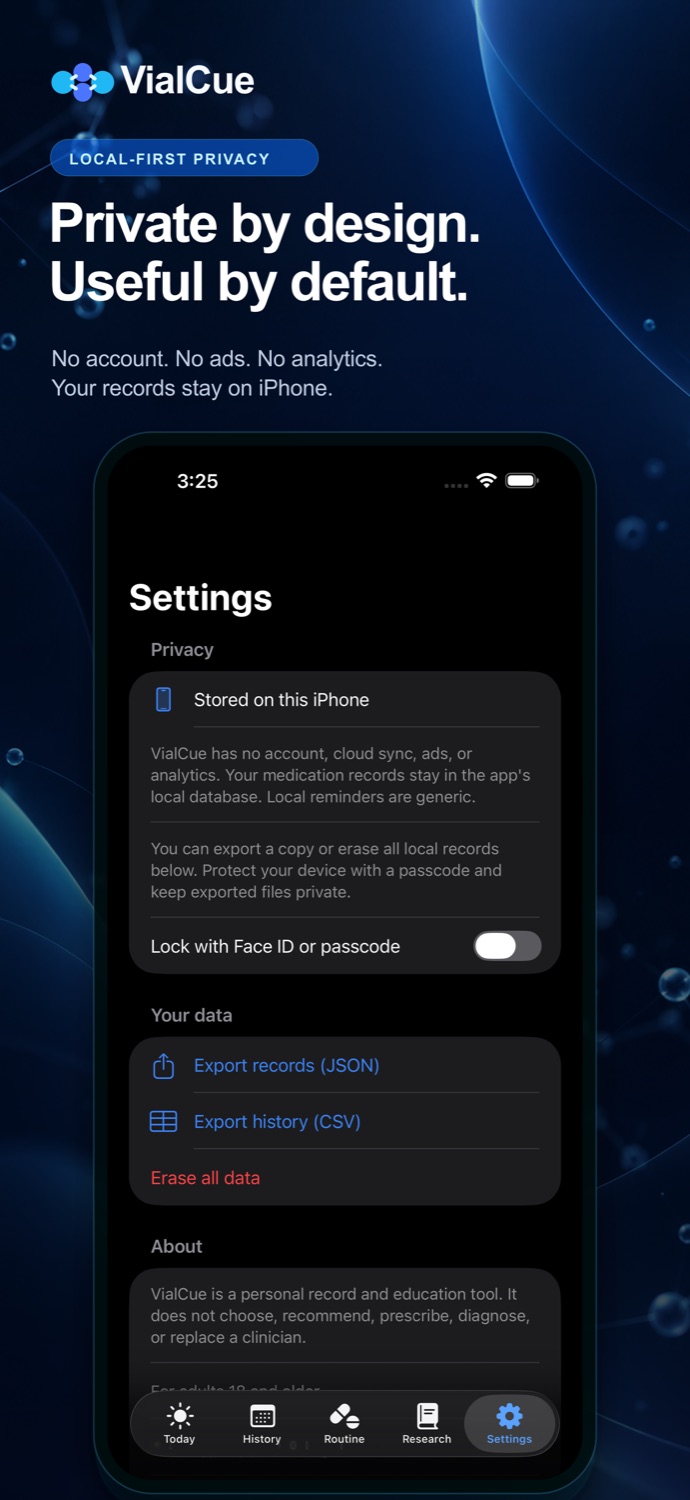
Search the timeline or calendar. Export JSON or CSV when you want a copy outside the app.
The data path
VialCue stores its database locally. Face ID or the device passcode can protect access. Sharing happens only when you choose an export destination in the iOS share sheet.
Important